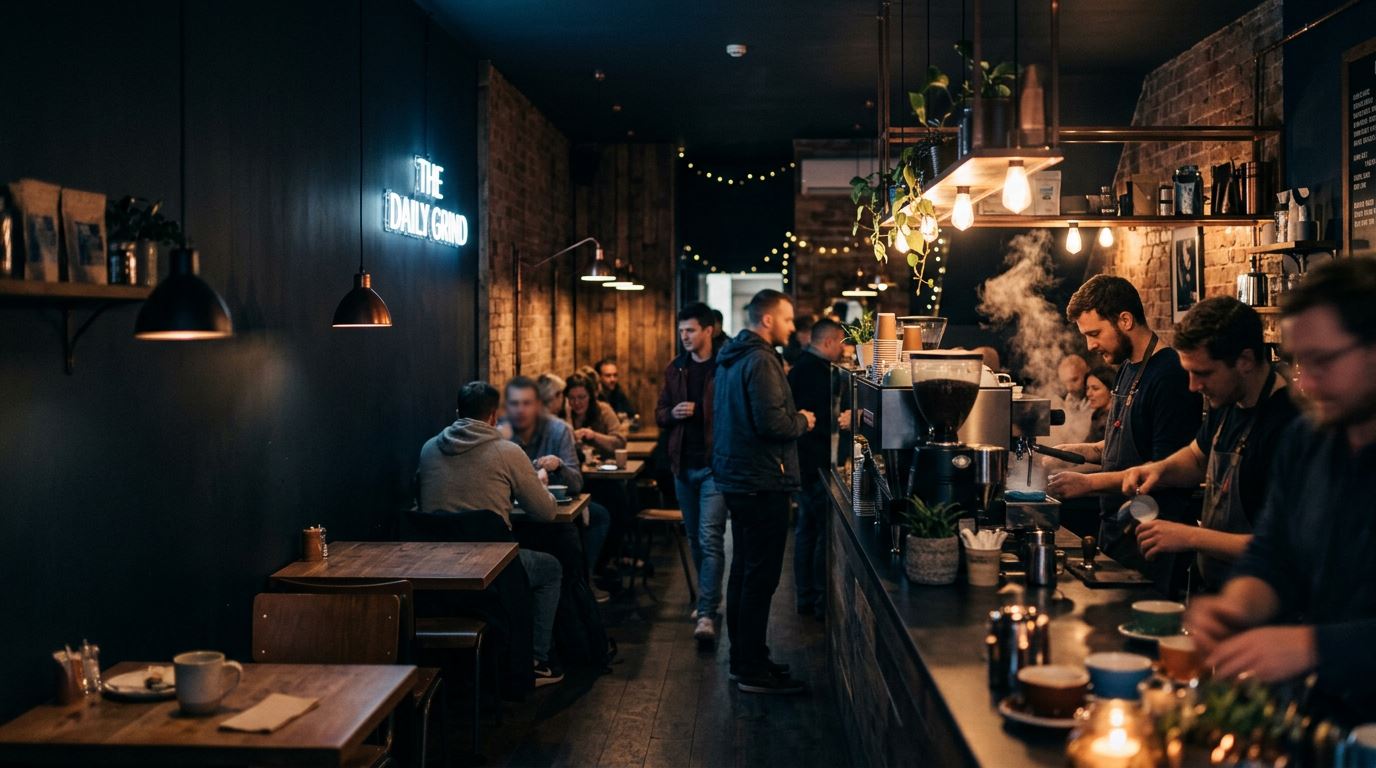
Websites for Cafés, Restaurants & Takeaways
Two things get looked up, and only two: what's on the menu and whether you're open. Both change constantly, and most food sites bury both — the menu inside a PDF nobody can read one-handed on a bus, and the hours in a footer that hasn't been right since a bank holiday two years ago.
Audit back within 24 hours · Working demo within 2 days · No deposit, ever
The four problems I find most in this trade.
Not generic web-design advice. These are the specific failures that turn up over and over when running real Google audits on businesses like yours — each one with what it's actually costing you and how it gets fixed.
The menu is a PDF
Opening hours are wrong or hidden
You don't appear in "near me" searches
Photos that don't sell the food
Want to know which of these apply to you? Test your site free on the home page for the speed number in thirty seconds, or ask for the written audit and get all four checked properly by hand, back within 24 hours.
Designed around your business, not a template.
A greasy-spoon café and a tasting-menu restaurant are not the same business with different prices, and their sites shouldn't be built the same way. A café wants the menu and hours instantly, big type, no ceremony. A restaurant is being chosen on a Friday night by four people comparing photographs, so the images carry the sale and the booking link has to be one tap away. A takeaway is judged on delivery radius and whether you're open right now. Your build starts from which of those decisions your customer is actually making.
- Home with hours and location above the fold
- Menu as real, readable text
- Separate menus by service where you have them
- Gallery of the food and the room
- Find us — map, parking, accessibility
- Bookings and functions enquiry
- Menu marked up so dishes can appear in search
- Opening hours in schema, so Google shows them live
- Bank-holiday hours override (Platform tier)
- Your existing booking or ordering link, untouched
- Events and specials section
- Instagram feed pulled in automatically
- Restaurant and LocalBusiness schema
- Menu schema with dishes and prices
- Google Business Profile set up or corrected
- Neighbourhood and town in the real page copy
- Fast enough to win on mobile, where all of this happens
- Review stars marked up for search results
What it would cost you.
Guide prices based on the typical scope for this trade, one-off, with £0 a month on every tier. The free audit turns this into a real number — often a lower tier than people expect. And don't feel boxed in by the recommendation: pick by what you need the site to do.
- Home, Menu, About, Find Us, Contact
- Menu as real text, not a PDF — readable and searchable
- Opening hours and map front and centre
- Indexed for "near me" searches with the right schema
- Enquiry form for bookings and functions
- Everything in Starter, up to 8 pages
- Separate breakfast, lunch and evening menus
- Photo gallery of the food and the room
- Events, specials and functions sections
- Your booking or ordering system linked in, untouched
- Everything in Business, up to 12 pages
- Change the menu yourself — live in seconds
- Bank-holiday and seasonal hours override
- Instagram feed pulled in automatically
- Mailing list signup for regulars
- Free audit with real Google data first
- A working demo before you pay anything
- £0 per month — hosting is genuinely free, forever
- Your existing booking or payment system kept exactly as is
- Built mobile-first and tested to WCAG 2.2 AA
- You own the code, the domain and every login
- 14-day fix guarantee from launch
- No deposit at any point before you've seen the work
Want to edit it yourself? You don't need the top tier for that. Add the £150 self-edit content panel to any build and change prices, photos and text yourself with no monthly fee — it's on the add-ons list with everything else.
Worth adding for cafés & food
Fixed one-off prices, addable to any tier, and addable later rather than up front. These four are the ones that actually earn their money in this trade — the full list of fifteen is on the pricing page.
Don't buy any of these speculatively. After the free audit you'll be told which one or two would genuinely move your numbers, and which of the rest would just be me taking your money.
The searches that actually bring you work.
Getting found isn't one thing called “SEO” — it's whether your pages answer the exact questions being typed. Here are the ones that matter in this trade, and what your site has to say to win them.
| What they type | What your site has to answer |
|---|---|
| “café near me” | Are you close, are you open, and what does it look like inside? |
| “[your town] breakfast menu” | Your actual dishes and prices, as text Google can read |
| “is [your name] open today” | Live hours, including the bank holiday they're asking about |
| “[town] restaurant book a table” | A booking link within one tap, not a phone number only |
| “gluten free [town]” | Dietary information marked clearly on the menu itself |
Every one of these is winnable locally, because most of your competitors have never written a page that answers them. That's the whole job: one properly written page per real question, marked up so Google can read it, on a site fast enough to keep the person who clicked.
The ones that come up every time.
Why does a PDF menu matter so much?
Because Google reads pages, not attachments. If your menu is a PDF, every dish, price and dietary note on it is invisible to search — so you can never appear for "[town] Sunday roast" or "gluten free pizza near me". Rebuilt as text, all of it becomes findable, and it stops being unreadable on the phone your customer is holding.
I change my menu constantly. Am I forced onto the £1,495 tier?
No. Either send changes over as £15 edits, or add the £150 self-edit content panel to a £395 or £795 build and change the menu yourself in seconds with no monthly fee. The Platform tier is only worth it if you also want live integrations — an hours override, an Instagram feed, an ordering system talking to the site.
We already take orders through Deliveroo or a booking system. Does that change?
Not at all. Anything already taking money keeps running exactly as it is — I build the fast, findable front door around it. Nothing to migrate, nothing to relearn, no risk to orders already coming in.
Two ways to start, both free.
Already have a site? Take the audit — real Google data plus the checks an automated tool can't run, back within 24 hours. Haven't got one? Take the demo — a real working site for your business on a live link within 2 days. Neither costs you anything and neither needs a deposit.